One file to access all your apps instantly
Everything you need to work across apps
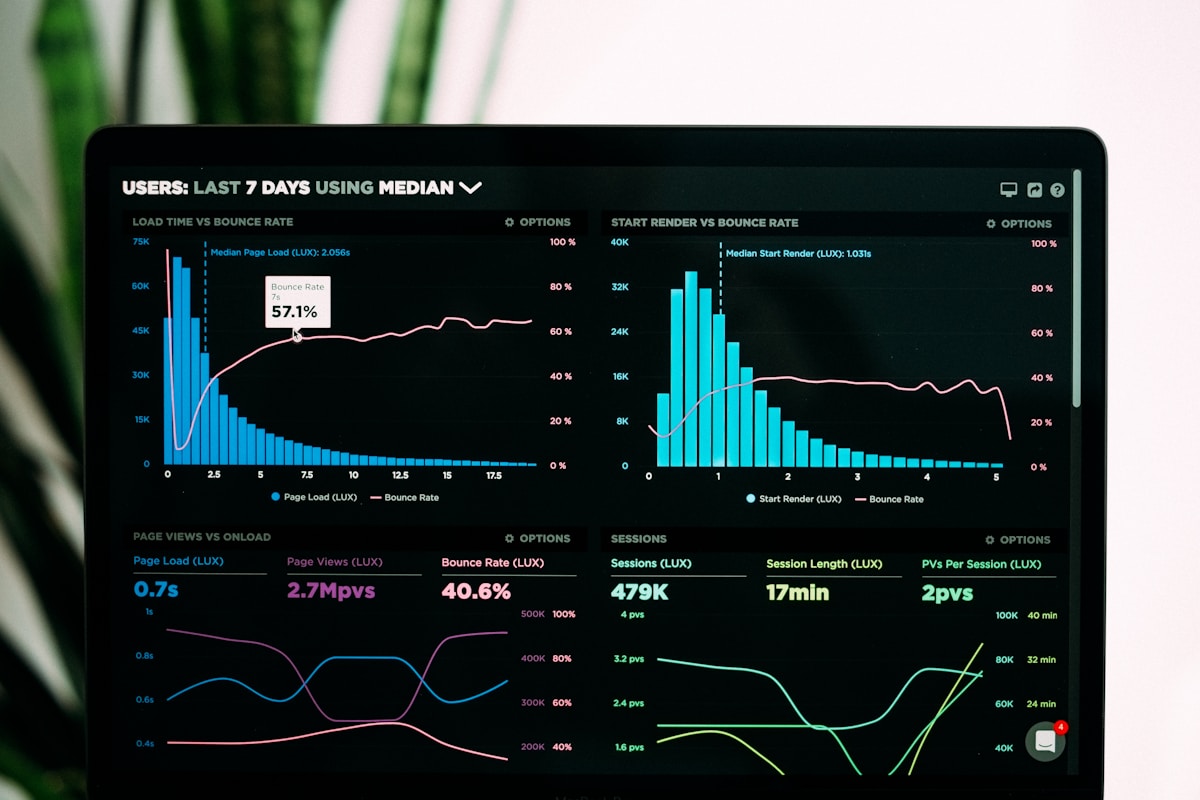
Universal search across all apps
Find anything in any connected app with a single search. Type once and see results from Slack, Google Drive, Notion, Jira, and dozens more—no more tab-switching or remembering which tool holds what.
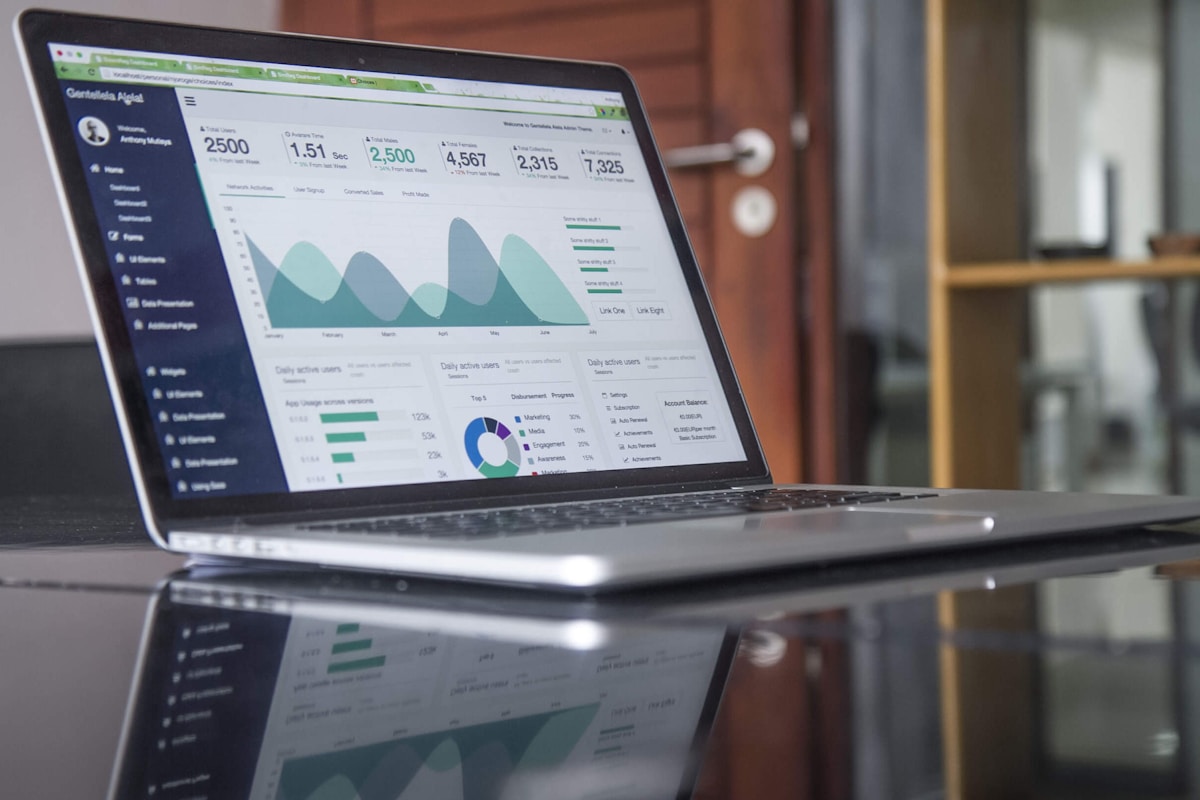
One-click app launcher
Launch any connected application instantly from your AppFile dashboard. Pin your most-used tools, organize by project or workflow, and jump directly to the exact page you need—not just the homepage.

Smart notifications in one place
Stop checking twelve different apps for updates. AppFile aggregates notifications from all your tools, intelligently filters what matters, and lets you act on alerts without leaving the interface.

Cross-app workflows
Create actions that span multiple applications. Mark a Slack message as done and it creates a Notion page, closes a Linear ticket, and updates your Google Calendar—all from one trigger point.

Secure credential management
All your app credentials stored with bank-grade encryption. Biometric unlock, automatic session refresh, and zero-knowledge architecture mean we never see your passwords—but you never have to type them again.
Offline mode with sync
Lost connection doesn't mean lost productivity. AppFile caches your recent data, lets you queue actions offline, and syncs everything seamlessly when you reconnect—no conflicts, no lost work.
Plays well with the tools you already pay for
Not just logos on a page—here's what each connection actually does for you.
Slack
Search message history, launch channels, and respond to DMs without opening Slack—full thread context in AppFile.
Google Drive
Find any file across Drive, Docs, Sheets, and Slides with universal search—open or share without the browser tab.
Notion
Jump to any page, search across workspaces, and create new docs—your Notion structure stays intact, accessible in seconds.
Jira
View assigned tickets, update status, and log time—project tracking without the Jira load time.
GitHub
Check PR status, review notifications, and jump to repos—code collaboration without context switching.
Figma
Open recent files, browse team projects, and launch designs—creative work one click away.
Linear
Triage issues, update cycles, and track sprints—engineering workflow at your fingertips.
Asana
See today's tasks, update progress, and check project timelines—task management without the overhead.
Salesforce
Look up contacts, check deal stages, and log activities—CRM data when you need it, not when Salesforce decides to load.
Zoom
Start instant meetings, join scheduled calls, and access recordings—video conferencing without hunting for links.
Dropbox
Search files, share folders, and manage permissions—cloud storage that doesn't slow you down.
Zapier
Trigger zaps, monitor workflows, and connect 6,000+ apps—automation layer for everything else.
A ninety-second tour of your new workday
Four screens, in the order you'll meet them every morning.
Under the hood
The boring architecture that makes it fast
Local-first cache
Every app connection caches metadata and recent items on your device. Search hits local storage first, so results appear in under 50ms—no network latency, no spinner.
OAuth token vault
Credentials live in an encrypted vault that only your device can unlock. We store tokens, not passwords, and refresh them automatically—you stay logged in, we stay zero-knowledge.
Incremental sync engine
Background workers poll connected apps every few minutes, fetching only what changed. Deltas merge into the local cache, keeping everything current without hammering APIs.
Offline-first queue
Actions queue locally when you're offline—mark done, create task, send message. Reconnect and the queue replays in order, with conflict resolution that never loses your intent.
Data flow